

Claude Code 2.1.281: Bedrock Upstreams Get Cross-Account IAM and Guardrail Enforcement
2.1.281 adds assume_role and guardrail to Bedrock upstreams. assume_role swaps long-lived IAM credentials for per-developer STS tokens. guardrail applies a Bedrock guardrail to every request. Both shift the trust boundary in multi-account AWS deployments.
Claude Code 2.1.281 shipped on September 23 with the usual long tail of bug fixes. Inside that tail, three new fields in the Claude apps gateway config change the Bedrock upstream authentication and policy model in ways that matter to anyone running multi-account AWS deployments or applying organization-level safety controls.
The three fields are assume_role on Bedrock upstreams, guardrail: {id, version} on Bedrock upstreams, and telemetry.resource_attributes on the gateway itself. None of them appear in the headline features. All of them change what the gateway does in production.
The Bedrock trust model before 2.1.281
The Claude apps gateway authenticates to Bedrock using long-lived IAM credentials — typically an access key pair or an IAM role assumed by the gateway's own execution environment. In a simple deployment where the gateway and the Bedrock endpoint live in the same AWS account, this is fine. In a multi-account or organization-wide deployment, it creates a problem: the gateway has to hold credentials for every account that runs a Bedrock endpoint, or each team has to deploy its own gateway.
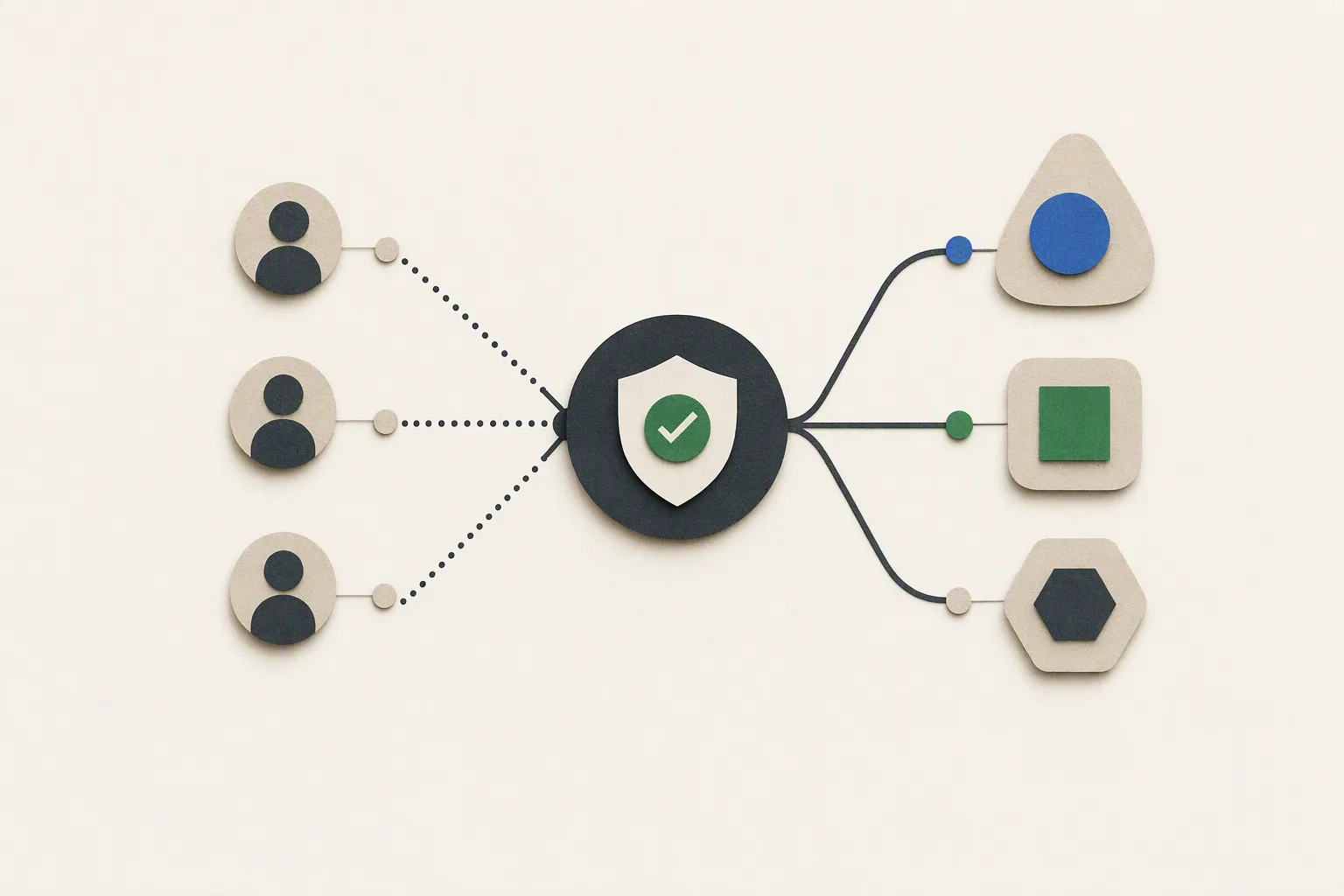
The assume_role field solves this. When set on a Bedrock upstream, the gateway calls STS AssumeRole at request time and exchanges the call for a short-lived session token scoped to the target role in the target account. The gateway then uses that session token for the Bedrock call, not its own long-lived credentials.
What assume_role changes for multi-account AWS
The operational difference is significant. Before assume_role, a gateway serving multiple teams across accounts either had to carry a static credential set for each account, or each account had to run its own gateway instance. The first option is a secret management problem. The second is a cost and operational overhead problem.
With assume_role, the gateway holds a single identity — its own execution role — and delegates per-upstream account access to AWS IAM's STS machinery. The credential surface shrinks to one. The per-account access control moves to IAM trust policies on the target roles, which is where it should be.
The config shape in the upstream block is documented as assume_role: { role_arn: "...", external_id: "..." } (the external_id is optional but recommended for cross-account security). The gateway creates a session per developer when the upstream is configured with session_per_developer: true — a separate STS token per user, not a shared pool. This matters for audit trails: CloudTrail events on the Bedrock side now carry per-developer session context rather than a single gateway identity.
Cross-account role chaining follows standard AWS rules. The gateway's execution role needs sts:AssumeRole permission on the target role ARN. The target role needs a trust policy that allows the gateway's role principal. Nothing non-standard, but it has to be set up before the upstream works.
What guardrail enforcement changes for operators
The second field, guardrail: {id, version}, attaches an Amazon Bedrock guardrail to every request sent through a given upstream. If you set it, every call that upstream handles passes through the configured guardrail before it reaches the model.
The enforcement constraint is worth quoting directly from the release notes: "set it on all Bedrock upstreams or none." The reason is consistency. If some upstreams have a guardrail and others don't, requests that route to the unguarded upstreams bypass the policy. For organizations that treat Bedrock guardrails as a compliance control rather than a best-effort filter, inconsistent application defeats the purpose.
Before this field existed, guardrail enforcement had to happen at the application layer or via AWS-side configuration that the gateway didn't participate in. Now the gateway owns enforcement. This changes the trust boundary: the gateway is the policy point, and the Bedrock account is the execution environment downstream of it.
The guardrail id and version are fixed at config time, not per-request. If you need different guardrails for different user populations or request types, that requires separate upstream entries pointing to different guardrail configurations.
telemetry.resource_attributes: fixed labels on gateway telemetry
The third field, telemetry.resource_attributes, adds fixed key-value labels to all telemetry emitted by the Claude apps gateway — including telemetry from Claude Desktop and /login sessions that route through it.
This is primarily an observability change. If you're aggregating gateway telemetry into a platform like Datadog, Grafana, or CloudWatch, resource_attributes gives you a stable way to attach environment labels (env: production, region: us-east-1, team: platform) without modifying the telemetry pipeline downstream. Labels set here appear on all spans and metrics, not just on some.
The practical use case is multi-environment deployments where the same telemetry pipeline receives traffic from multiple gateway instances. Without resource attributes, distinguishing production gateway traffic from staging requires inferring environment from host names or inject-headers tricks. With them, you set env: staging on the staging gateway config and the label shows up everywhere.
The attribution:false setting
A fourth change with operational reach: "attribution": false in settings.json hides all commit and PR attribution across the workspace. The release notes include a compatibility note: older Claude Code versions skip a settings file that holds this key, so the recommended form is the object form ({ "attribution": false }), not a bare boolean, when the file is shared across versions.
For teams that use Claude Code in CI pipelines or shared workspaces where commit attribution carries compliance or policy implications, this is the first settings-level control for suppressing it.
What to audit in existing Bedrock gateway configs
If you're running the Claude apps gateway with Bedrock upstreams, the 2.1.281 changes create three audit points:
Single-account deployments with static credentials: no change required. assume_role is additive.
Multi-account deployments: evaluate whether replacing per-account static credentials with assume_role + IAM trust policies reduces your secret management surface. If you have more than two Bedrock accounts in your upstream list, it almost certainly does.
Organizations treating Bedrock guardrails as compliance controls: the guardrail field makes gateway-level enforcement explicit. If you're currently relying on application-layer guardrail calls or AWS-side configuration that lives outside the gateway, consider moving enforcement into the upstream config. The "all or none" constraint means you need to audit every upstream entry, not just the ones you think handle sensitive traffic.
Gateway telemetry without environment labels: if your telemetry pipeline has environment disambiguation logic built into it (host-name matching, regex on endpoints), telemetry.resource_attributes gives you a cleaner path. It's a config change, not a pipeline change.
Claude Code 2.1.281 also ships a substantial set of session history and prompt-cache fixes — the kind that fix silent session corruption on resume. Those are worth reading if you run high-volume or long-running Claude Code sessions through a gateway, but they don't require config changes.

Claude Code 2.1.275 Broke Every Gateway Proxy. 2.1.276 Fixed It the Same Day.
A new internal request tag in 2.1.275 caused 400 errors on every proxy-routed API call. 2.1.276 hotfixed it the same day. Breakdown of the failure, affected configs, and three secondary operator changes worth auditing.

Claude Code 2.1.274: MCP Reliability Overhaul, Gateway Postgres Config, and Self-Healing Transcripts
Claude Code 2.1.274 fixes six MCP failure modes that silently break production tool sessions, adds store.connect_timeout_seconds and CLAUDE_CODE_GATEWAY_DRAIN_TIMEOUT_MS to the Claude apps gateway, and makes corrupted transcripts self-heal instead of looping forever.

Claude Code 2.1.273: Five New Gateway Headers and a Classifier Flip on Bedrock, Vertex, and Foundry
Claude Code 2.1.273 ships opt-in gateway hint headers exposing request class, agent type, and compaction state to any LLM proxy. It also flips the auto mode classifier to local-only on Bedrock, Vertex AI, and Foundry — only one change has a revert path.